


1983
A downloadable Game about T-ank for Windows
Disclaimer: although the story described below has some historical basis, it is entirely fictional!
PLEASE READ THE INSTRUCTIONS!!!
In 1979, the USSR launched a war to expand its influence; however, after just a few years of fighting, some of the T-series tanks required modernisation.
A highly experienced engineer worked at one of the design bureaus. He only needed to glance at a drawing to grasp the essence of the tank’s modernisation.
This worker also loved to study everything in detail, and this helped him to test the modernised tank turret… however, at one point he began to feel unwell and started to hallucinate. He began to recall his childhood, but… something was clearly wrong. The landscape was unfamiliar, the houses looked strange, and, most importantly, his family home somehow had far more floors than it should have... Now he needs to find a way out... But where?
(The story has been slightly reworked, and just to be on the safe side, I’ve removed specific details about the war and military equipment – in other words, the elements that were in the previous version of the story)
In short: you upgrade a tank turret, test it, and find yourself transported into a strange childhood memory of the main character
RU:
Предупреждение: хотя описанная ниже история имеет некоторую историческую основу, она является полностью вымышленной!
В 1979 году СССР развязал войну с целью расширения своего влияния; однако уже через несколько лет боевых действий некоторые танки серии Т потребовали модернизации.
В одном из конструкторских бюро работал инженер с довольно огромным опытом. Ему достаточно было одного взгляда на чертеж, чтобы понять суть модернизации танка.
Этот инженер также любил изучать всё до мельчайших деталей, и это помогло ему протестировать модернизированную башню танка… однако в какой-то момент он почувствовал себя плохо и у него начались галлюцинации. Он начал вспоминать своё детство, но… что-то явно было не так. Ландшафт был незнакомым, дома выглядели странно, а главное — его родной дом почему-то имел гораздо больше этажей, чем должен был… Теперь ему нужно найти выход… Но куда?
(Рассказ был слегка переработан, и на всякий случай я удалил конкретные детали о войне и военной технике — то есть те элементы, которые были в предыдущей версии рассказа)
Короче говоря: модернизируете башню танка, тестируете её и оказываетесь в странном детском воспоминание главного героя
Steps for Completing the Game "1983":
- Install the game using the guide on the game page.
- Launch the game.
- Wait for the game to load.
- The game will open to the main menu; click the text button "Start" or "Старт", depending on the language. 4.1) To change the language, go to "Settings" -> "Other" -> "Language" if the game started in Russian (2 languages are available: Russian and English).
- (Optional) Read the narrative / watch the game intro.
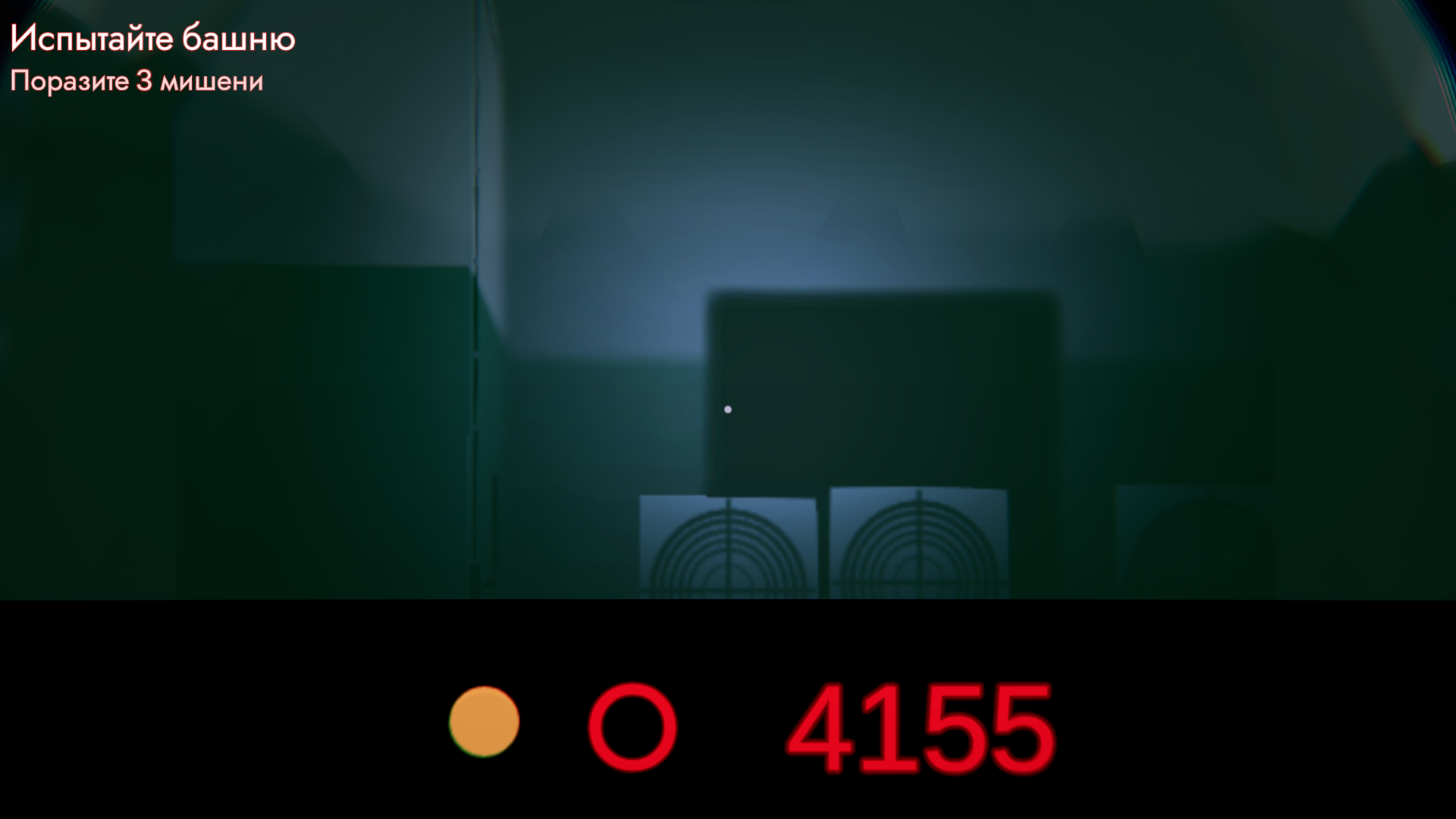
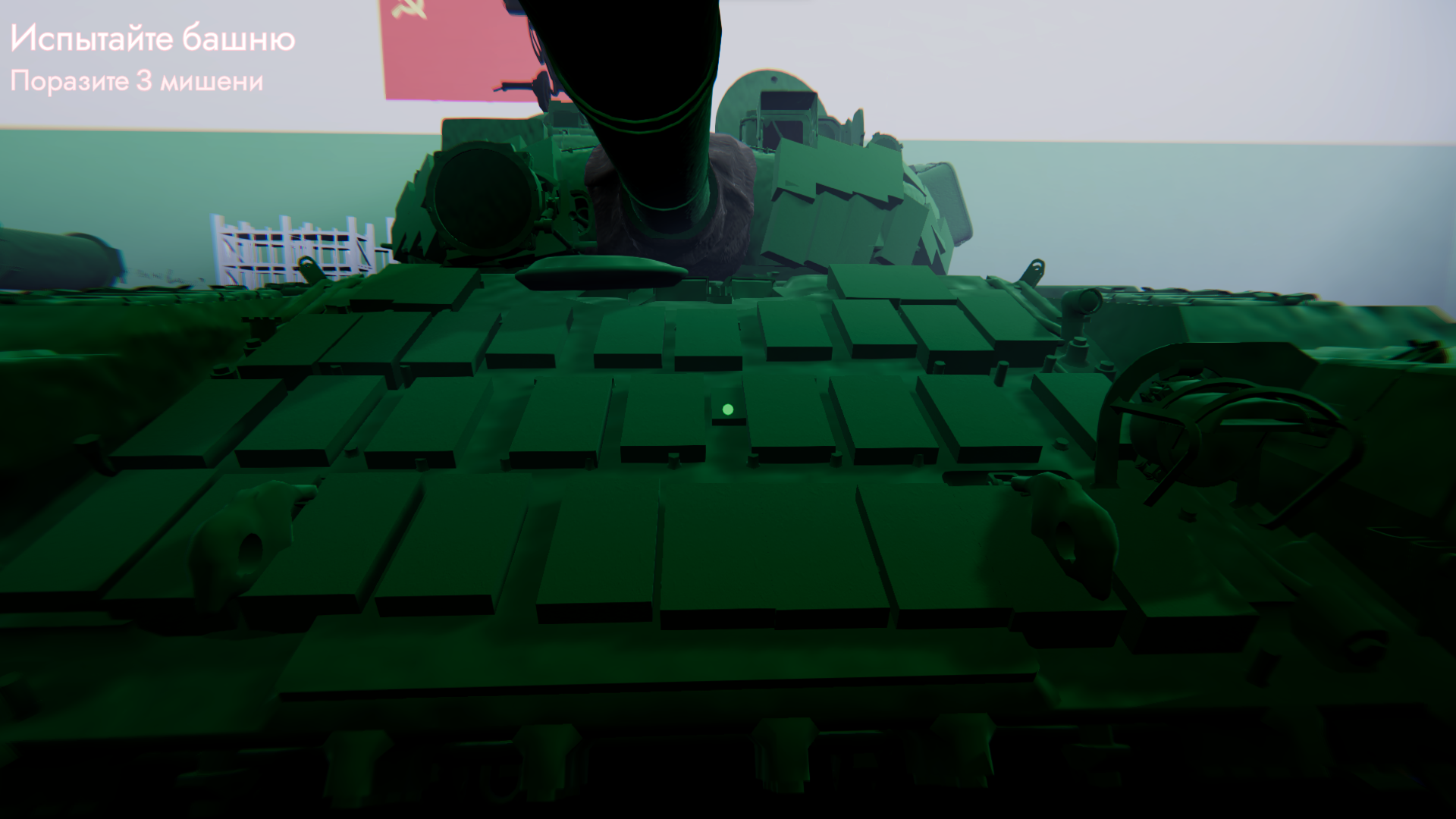
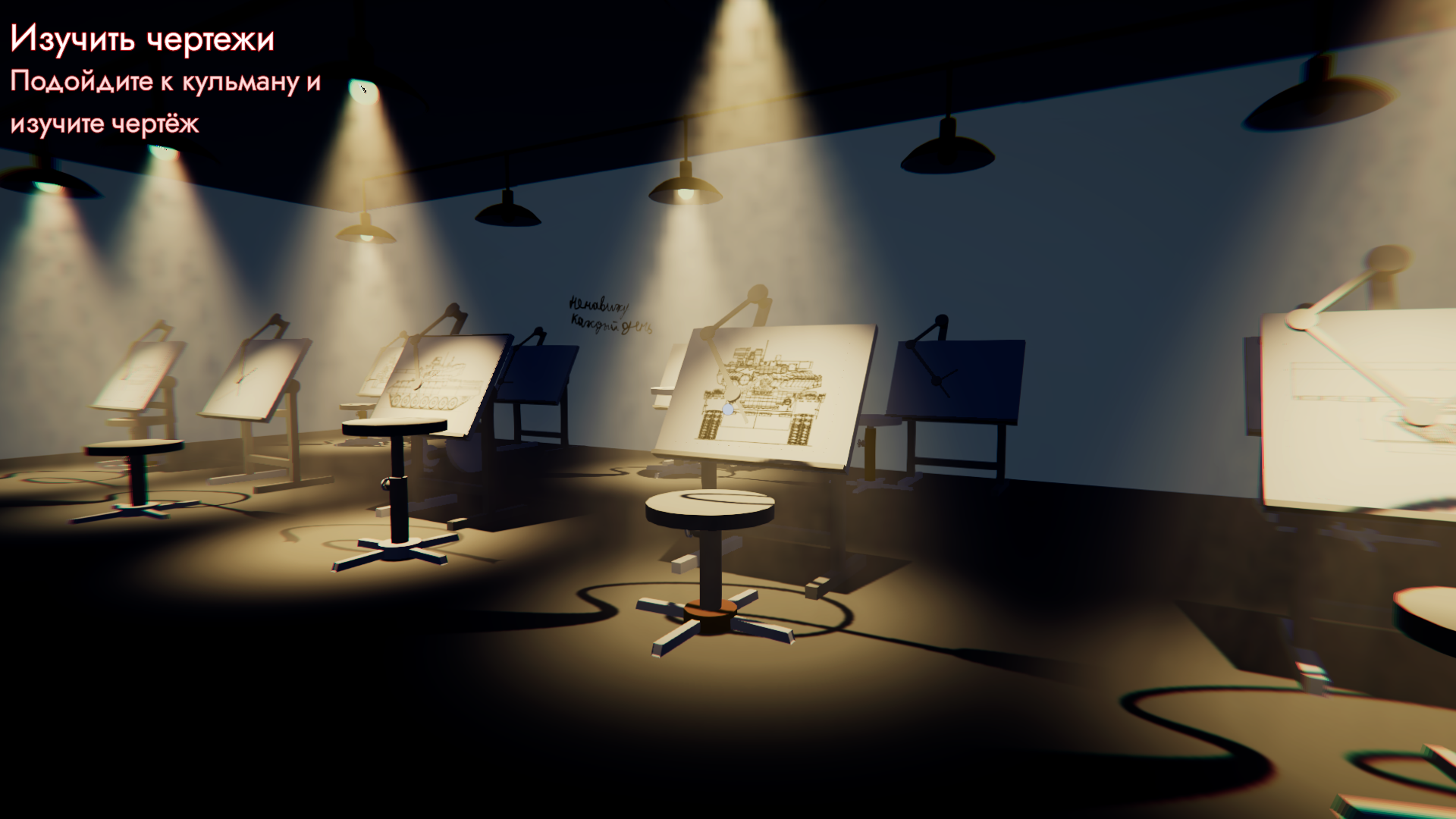
- After the intro, you will spawn in the office. Hints will appear at the top left. 6.1) "Turn on the lights" – Walk forward to the open door, turn left twice, and turn on the light using the lever (hover over the lever (a gray box) and press [E]). 6.2) "Examine the blueprint" – Walk to the drafting room through the workshop and find the required blueprint. Examine it (hover over the blueprint and press [E]; the blueprint should disappear). 6.3) "Upgrade the tank" – Approach the tank and hover over the Kontakt-1 ERA block in the box next to the workbench. Approach the tank and start installing Explosive Reactive Armor: press [1] -> hover over the tank, a Kontakt-1 preview will appear on its armor in certain places. Press [E] to install, use [R] and [F] to rotate. Press [G] to finish upgrading and move to the next step. 6.4) "Test the tank" (later "Targets hit X/3"). To complete this step, get into the tank by hovering over the tank hatch (come closer to OPENED hatch) and pressing [E]. You will find yourself inside the tank. Main controls:
- Mouse – Rotate gunner camera
- A/D – Rotate turret
- W/S – Elevate/depress gun
- R – Reload
- F – Fire
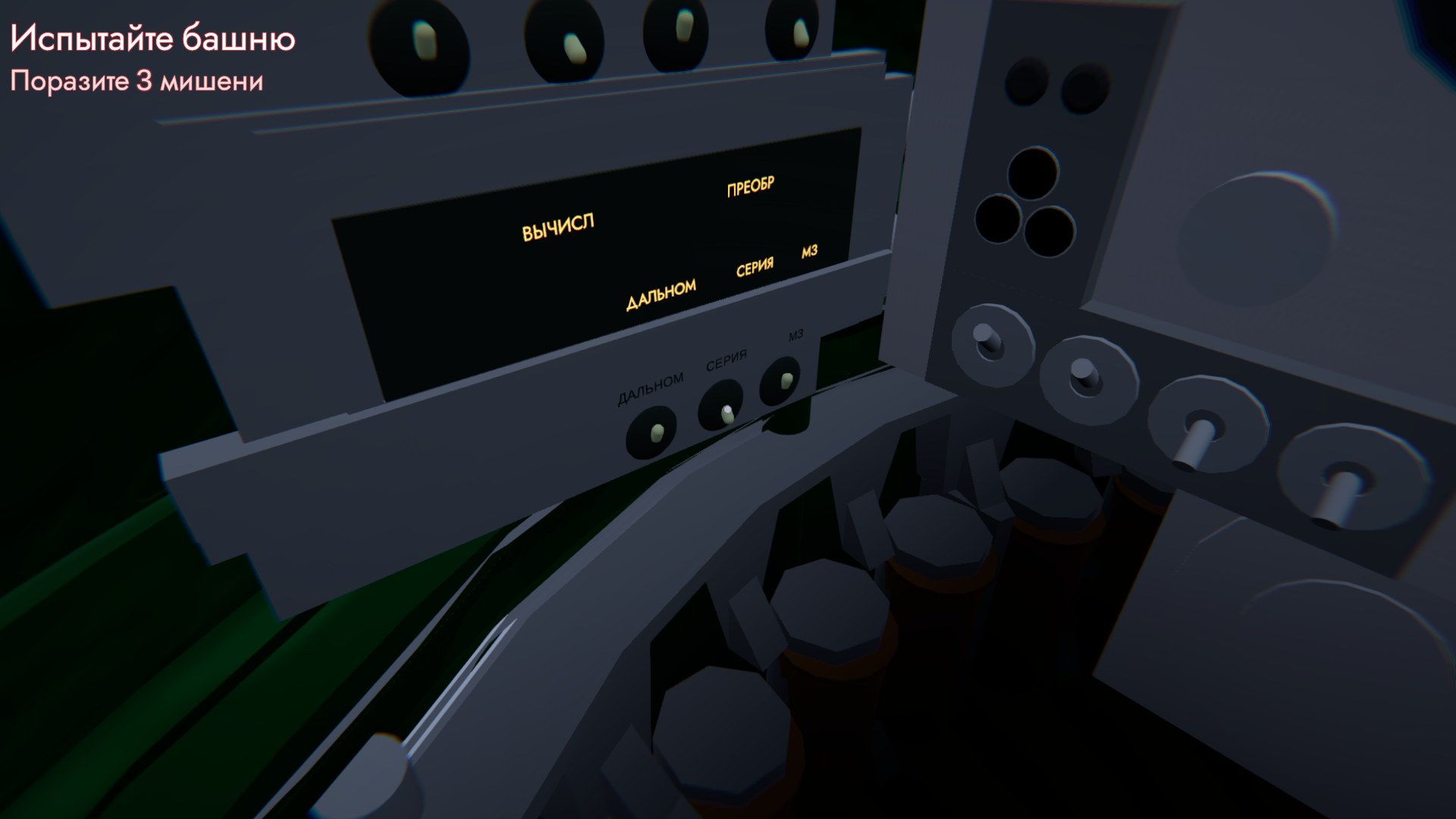
- Ballistics selection toggle (simply put, shell selection) – Hover over it and press [E]
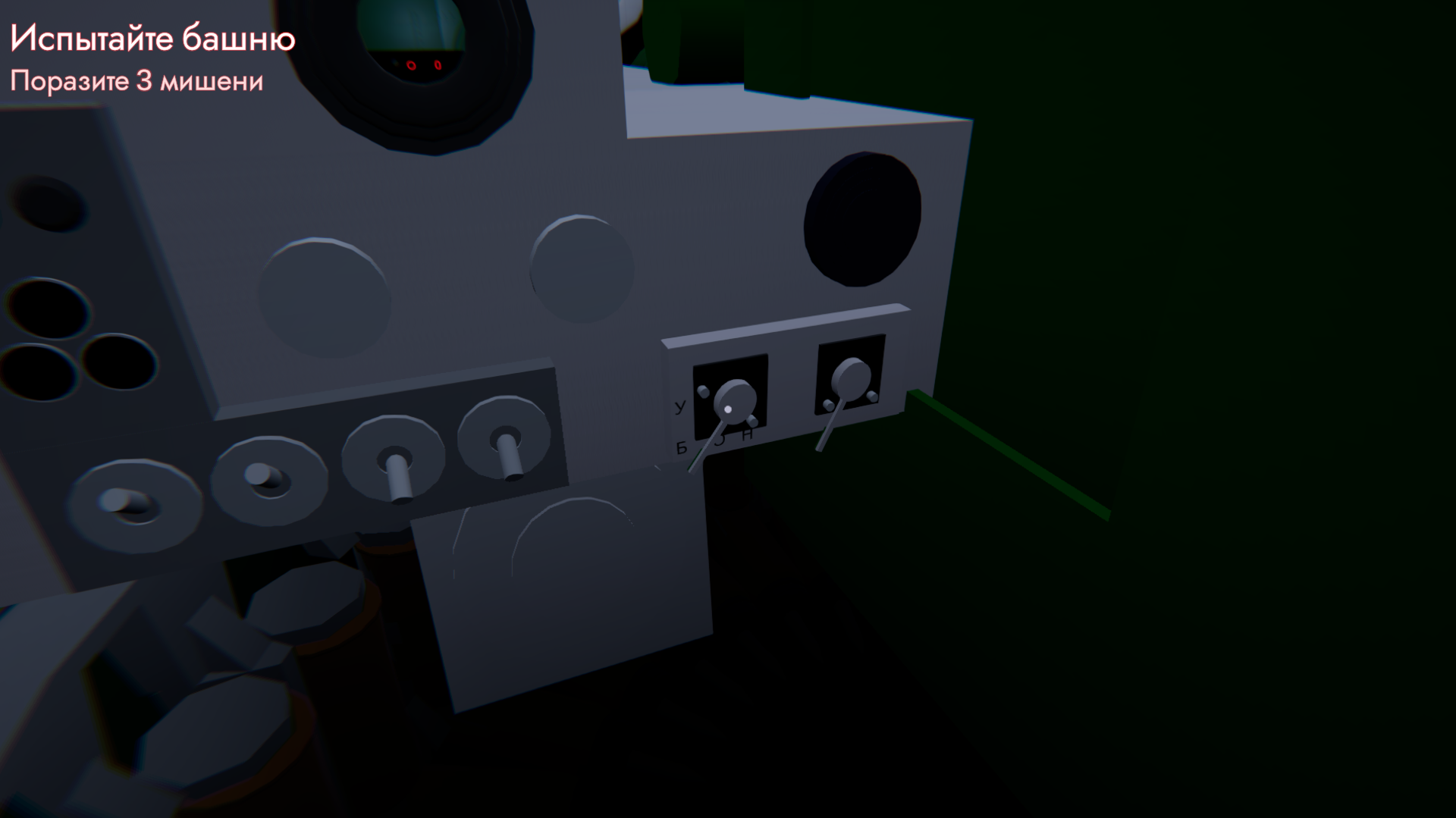
- Enable Series mode on the tank – Hover over the control panel (on the left) and press [E] while hovering over the "SERIES" lever
- V – Rangefinder (if "RANGE" is enabled)
- Space – Exit tank
- RMB – Switch to optics view
- RMB + Mouse Wheel – Zoom control for the sight
Hit 3 targets (you can hit the same target an unlimited number of times).
Exit the tank after hitting three targets to begin the next step.
6.5) "Find the exit" – You will find yourself in a park. Find the exit in the form of a blue door somewhere on the road in the park. Please do not walk on the beaten path...
After finding the blue door, hover over it and press [E].
Game Setup Guide:
- Graphics: In the graphics settings, you can select resolution, quality preset (which affects exposure type, fog, and shadow settings), toggle Vsync, and choose a post-processing preset (Default – graphics remain unchanged; Cold – graphics take on cold tones; Cinema – graphics take on warm tones).
- Control Settings: Ability to adjust mouse sensitivity.
- Audio Settings: Ability to adjust the volume for master audio, music, and SFX (ambient sounds, step effects, etc.).
- Other Settings: Language selection.
Download
Install instructions
Guide to launching the game:
1) Download the game. Note: the versions are listed from bottom to top; in other words, the higher up the page a game is, the more recent it is.
2) Extract the game. More details: you have downloaded a .zip or .rar file, but you need to extract the contents from it. The easiest way is to move the folder with the same name as the game to your desktop. (If this doesn’t help, I suggest looking for help online).
3) To launch the game, you need to open the file “1983.exe”
Guide to changing the language in the game:
By default, the game language may be Russian. To change the language to English (the game has two languages – Russian and English), you need to follow the path indicated in the game menu. However, if you’re unsure how to follow the instructions in the game menu, the following guide should help: In the game menu, you’ll see three text buttons. Click the one in the centre to open the settings. You’ll then see four buttons at the top; click the one on the far right to open the language settings. Click on the arrow to change the language. It’s easy to tell if the language has changed: if nothing happens after the first click, keep clicking until almost all the text is in English.
RU:
Инструкция по установке игры:
1) Скачайте игру. Примечание: версии перечислены в порядке от самой нижней к самой верхней; другими словами, чем выше на странице находится игра, тем она более новая.
2) Распакуйте игру. Подробнее: вы скачали файл с расширением .zip или .rar, но вам нужно извлечь из него содержимое. Самый простой способ — переместить папку с тем же именем, что и у игры, на рабочий стол. (Если это не помогло, рекомендую поискать помощь в интернете).
3) Запустить игру, открыв файл «1983.exe»
Leave a comment
Log in with itch.io to leave a comment.